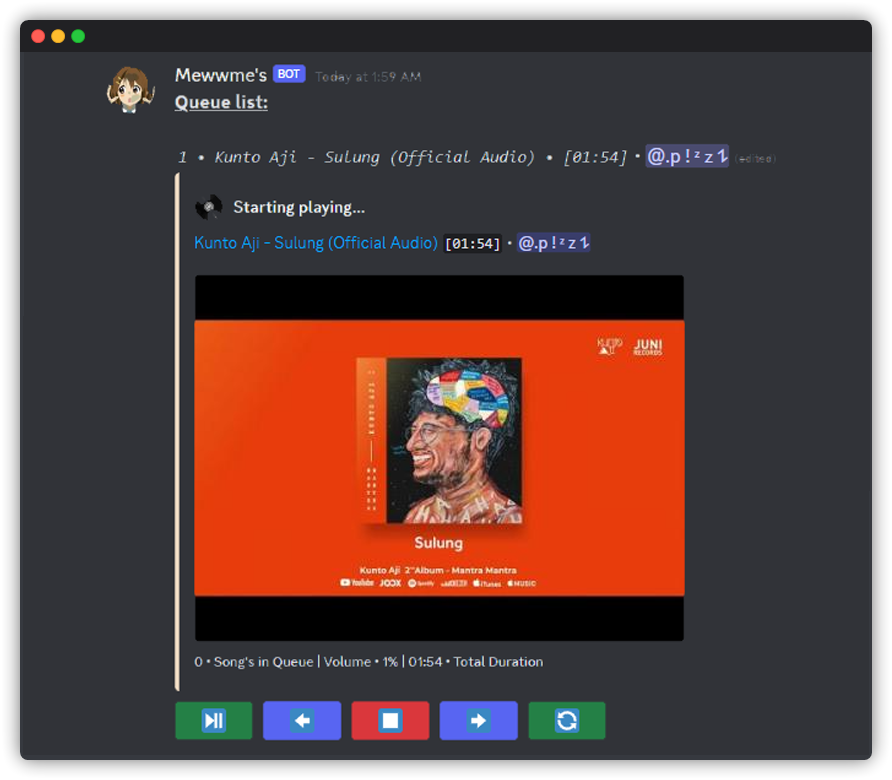
Playing a Song
After inviting Mewwme into your server, you can get the party started! To begin playing songs through Mewwme, follow this guide:
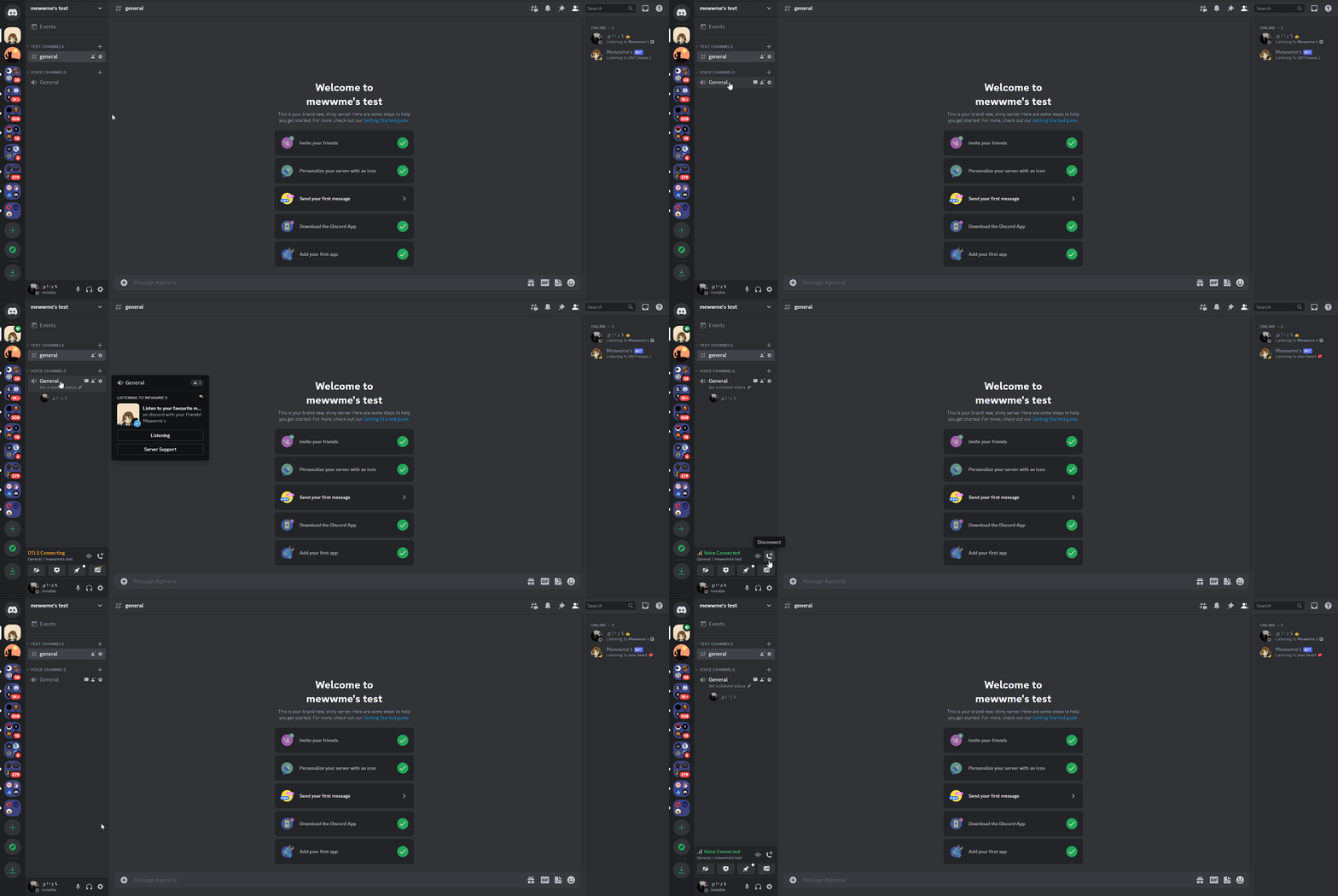
1. Join a Voice Channel.
You can do that by clicking on the channel with a speaker icon.
2. Summon Mewwme into the Voice Channel
- You can make Mewwme join the Voice Channel by typing
me join.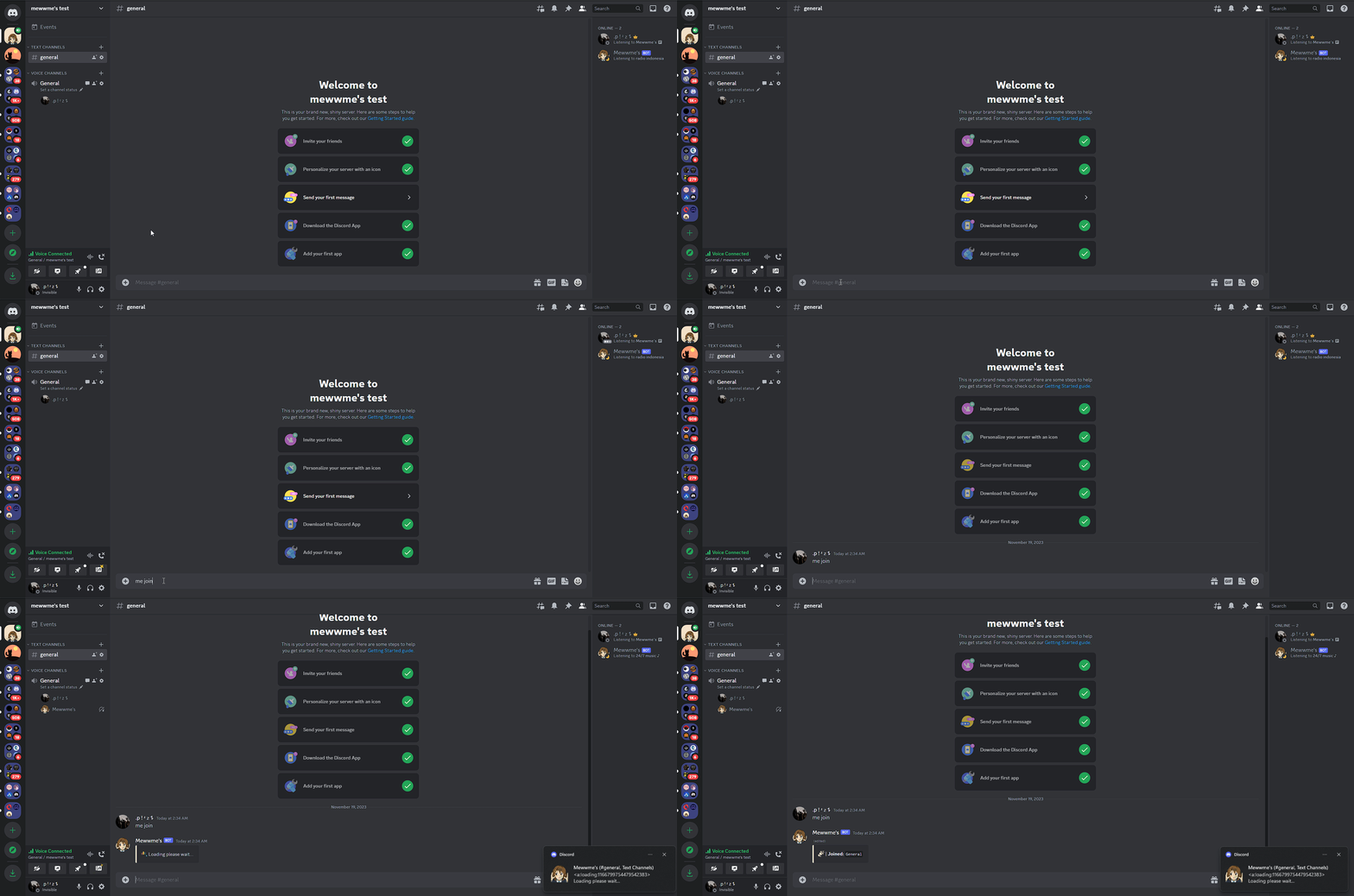
3. Start your music.
- Use the command
me playto start your music.
When playing a playlist:
- Make sure the playlist is either
UnlistedorPublic. If it is set toPrivate, Mewwme won't be able to play that specific playlist.
4. Setup channels request
- If you need setup channel for request music, you can use
me setup <create or delete>and choose the option you want.